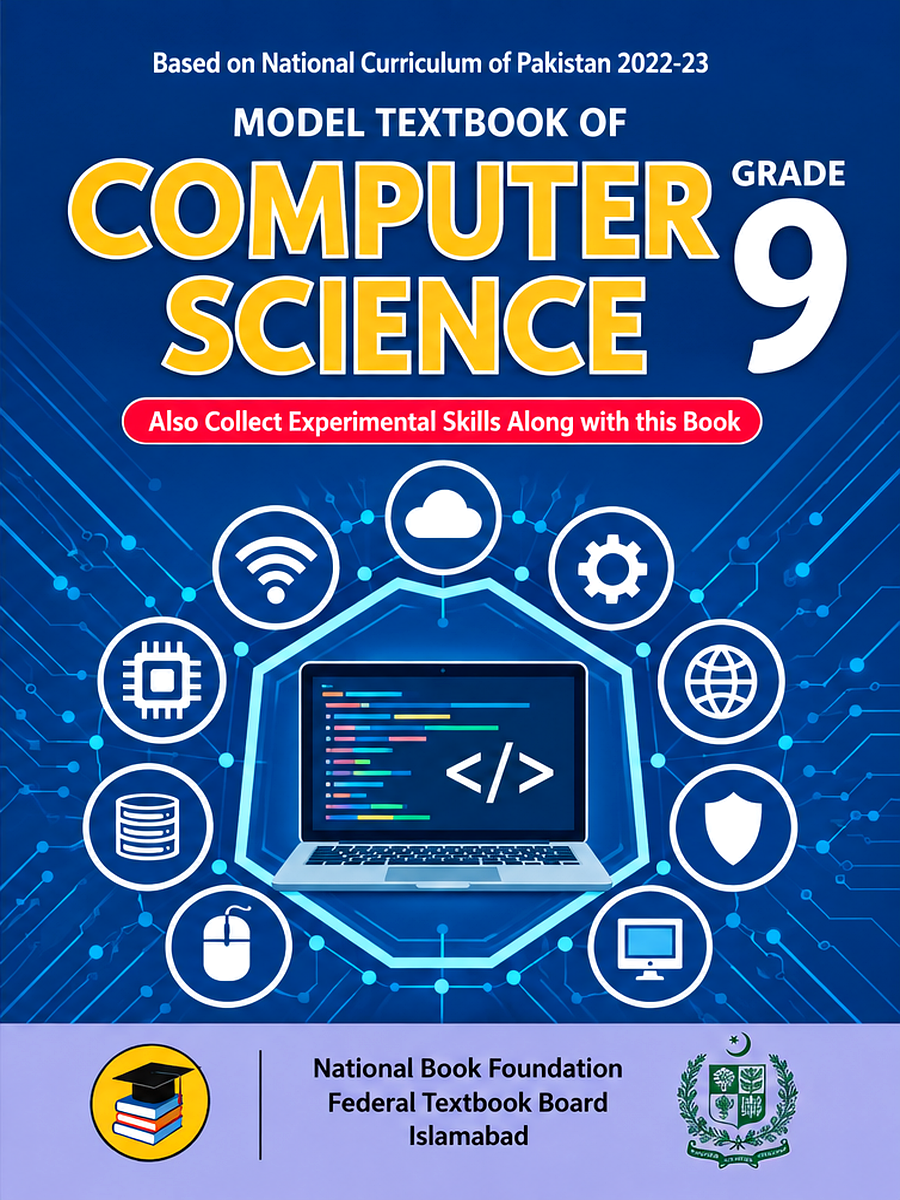
This Class 9 Computer Science study guide introduces the seven units listed for the NBF book used by FBISE students. Use the topic overview and original practice examples below alongside your textbook. This page does not currently provide a complete solved exercise bank or a downloadable notes PDF.
The overview below helps you plan your revision. Separate unit notes have not yet been published here.
Want To Get Free Sample Papers?
| No. | Unit | Separate unit notes |
|---|---|---|
| 1 | Computer Systems | Not published |
| 2 | Algorithms | Not published |
| 3 | Programming Fundamentals | Not published |
| 4 | Data and Analysis | Not published |
| 5 | Applications of Computer Science | Not published |
| 6 | Impacts of Computing | Not published |
| 7 | Entrepreneurship | Not published |
Unit Wise Notes
Unit 1, Computer Systems
Covers hardware and software interaction, the CPU, memory, and storage. Suggested practice includes differentiating RAM from ROM and working through block diagrams.
Students also learn how the main components of a computer work together to process, store, and communicate information.
Unit 2, Algorithms
Covers computational thinking, flowcharts, and pseudocode. Suggested practice includes finding the largest number in a set and writing a factorial algorithm.
It helps students develop step-by-step problem-solving skills and understand how problems can be represented before writing actual programs.
Unit 3, Programming Fundamentals
Covers variables, data types, loops, and functions, along with C++ basics and conditionals. Suggested practice includes programs for grade calculation, loops, and functions.
Students practice writing simple C++ programs and learn how programming instructions can be used to solve real-world problems.
Unit 4, Data and Analysis
Covers number systems, databases, and SQL, including binary and hexadecimal conversions. Suggested practice includes conversion exercises and basic SQL queries.
Students learn how computers represent information and how databases can be used to store, organize, search, and manage data.
Unit 5, Applications of Computer Science
Covers AI, web technology, and cybersecurity, including HTML. Suggested practice includes case studies on AI in daily life and solved HTML tag exercises.
It introduces students to practical uses of computing and shows how modern technologies are used in websites, intelligent systems, and online security.
Unit 6, Impacts of Computing
Covers digital ethics, e-waste, and privacy, including cyber ethics and green IT. Suggested practice includes short questions on digital citizenship.
Students learn how to use technology responsibly while understanding its effects on individuals, society, the environment, and personal information.
Unit 7, Entrepreneurship
Covers tech startups, freelancing, and innovation. Suggested practice includes entrepreneur qualities and business pitch ideas.
Students explore how computer skills can be turned into useful products, services, freelance opportunities, and innovative business ideas.
Quick Access
Alongside the Class 9 notes, quick access is also available for related resources across other classes, including Class 10, Class 11, and Class 12, along with the Date Sheet 2026, Model Papers, FBISE PBA guidance, and the Pairing Scheme.
Original worked practice
Hardware and software: A keyboard is hardware because it is a physical input device. A word processor is software because it consists of instructions used to create and edit documents. RAM temporarily holds data and instructions in use; storage keeps files for later access. Saving a document to storage before switching off helps prevent losing unsaved work.
Algorithm example: To find the larger of two numbers, input A and B. If A is greater than B, output A. If B is greater than A, output B. Otherwise, report that they are equal. For A = 7 and B = 12, the output is 12. Test an algorithm with equal values as well as different values so that you do not miss an important case.
Trace a loop: Start with total = 0. Add the values 1, 2, 3 and 4 one at a time. The running totals are 1, 3, 6 and 10. The final total is 10. A trace table records how each variable changes after an instruction, making logic errors easier to spot.
Binary conversion: The place values in 1011₂ are 8, 4, 2 and 1. Multiply each place value by its digit: 1 × 8 + 0 × 4 + 1 × 2 + 1 × 1 = 11. Therefore, 1011₂ = 11₁₀. Try 1100₂ yourself. Answer: 12₁₀, because 8 + 4 = 12.
Data analysis: Suppose three students read 2, 4 and 6 books. The mean is (2 + 4 + 6) ÷ 3 = 4 books. Record the unit alongside the result. A mean summarises the data, but it does not show that the individual counts differ.
Responsible computing: Before sharing a classmate’s photograph, ask their permission. For a suspicious message, check the sender and avoid opening an unexpected link. For an entrepreneurship task, identify a problem such as keeping tutoring appointments organised, propose a simple solution and explain who would use it. These activities connect computing knowledge with decisions people make in daily life.
Preparation Tips for Class 9 Computer Science
- Practice writing and tracing simple algorithms and flowcharts from Unit 2 before moving into the C++ basics covered in Unit 3, since the logic skills carry over directly.
- Treat number system conversions in Unit 4 as a skill to practice repeatedly rather than memorize once, since binary and hexadecimal conversions appear frequently in exams.
- For Unit 5, keep a short list of real world AI and web technology examples, since case study style questions often ask for practical applications rather than pure definitions.
- Revise Units 6 and 7 using short, clear points on ethics, privacy, and entrepreneurship, since these units are typically tested through short questions rather than long numerical problems.
About the Creator
Exam Resources 2026
Additional resources available alongside these notes include the Date Sheet, Model Papers, PBA Guide, and Results 2026, giving students a complete set of tools for the exam season.